
Free Classroom Response Cards
Print once. Use everywhere.
One free set of printable cards powers three camera-based classroom tools —
Live Vote, Fair Picker, and Random Groups. No student devices, no registration.
Print once. Use everywhere.
One free set of printable cards powers three camera-based classroom tools —
Live Vote, Fair Picker, and Random Groups. No student devices, no registration.
Four simple reasons teachers use it.
Only the teacher needs a phone. Students just hold up a printed card.
Nobody signs up, logs in, or creates a profile.
No student names or personal data are collected or required.
Any age group, any subject — just print and go.
Pick how many cards you need and download the printable set.
One card per student. Laminating makes them last all year.
Students hold up their card to answer — quick, quiet, and screen-free.
Point your camera at the class — each tool works with the same cards it can actually see.
One PDF. 50 unique cards. Print what you need.
Download one PDF containing 50 unique response cards. Print only as many as you need for your class.
Free A4 PDF, ready to print.
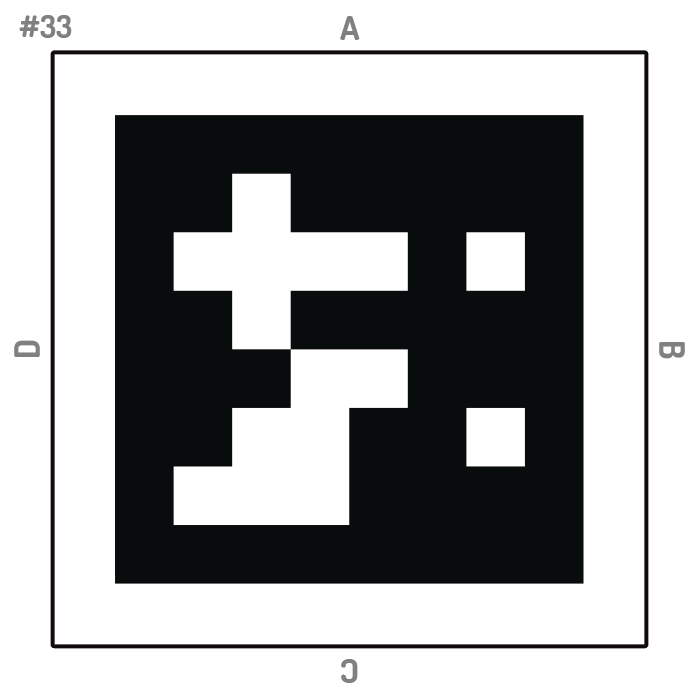
Print your response cards once — every tool below reads the same cards, so there's nothing new to print.
Collect live classroom responses.
Open Live Vote →Randomly select a student from the visible cards.
Open Fair Picker →Create balanced student groups.
Open Random Groups →🔒 Everything happens in your browser.
All three tools use your phone's camera locally — images never leave your device and are never uploaded to our servers.
PinnyCards offers free printable classroom response cards without requiring student devices, accounts, or registration — just print, laminate, and use them in class.
Classroom tips and teaching strategies from PinnyCards.
July 2026
Six simple, phone-free classroom techniques — including free printable response cards — that keep every student engaged.
Read the article →No. Only the teacher needs a phone to use PinnyCards. Students only need their printed card.
No. There is no login or registration — just download the PDF and start printing.
Yes. Print as many sets as you need, for as many classes as you teach.
Yes, PinnyCards is completely free to download and print.
The PDF contains 50 unique cards. Just print as many pages as you need for your class size.
No account, ever. All three tools run entirely in your browser — they only need camera access, and nothing is uploaded or stored anywhere.
No. All camera processing happens locally in your browser for every tool. Camera images are never uploaded to PinnyCards or stored on our servers.
Privacy by design. PinnyCards never stores or processes student names.
PinnyCards is just one free classroom tool.
With PinnyBinny you can also: